Walkthrough
Quick Enable
Enable in your CannonWMS dashboard:
Settings → Features → Lot Tracking
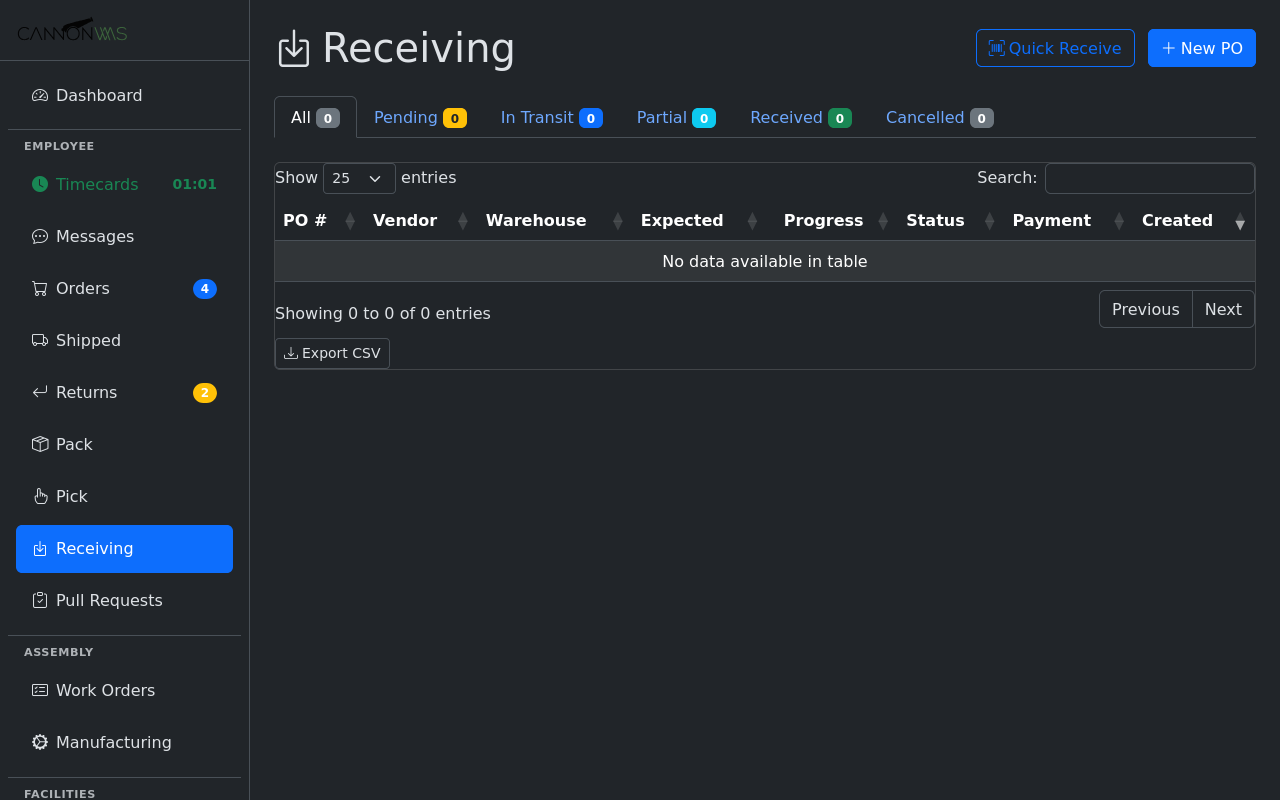
The Dock Receiving view shows all inbound shipments awaiting processing. Each row displays the PO number, supplier, expected item count, and arrival timestamp. Warehouse staff scan or click a shipment to begin the receiving workflow, which walks them through inspection, lot assignment, and staging in a single guided flow.
As items are received, each line can be assigned a lot number — either auto-generated using a configurable format (date-based, sequential, or supplier-prefix) or entered manually. Lot numbers attach to inventory at the SKU level, so the same product from different shipments carries distinct lot identifiers for full traceability.
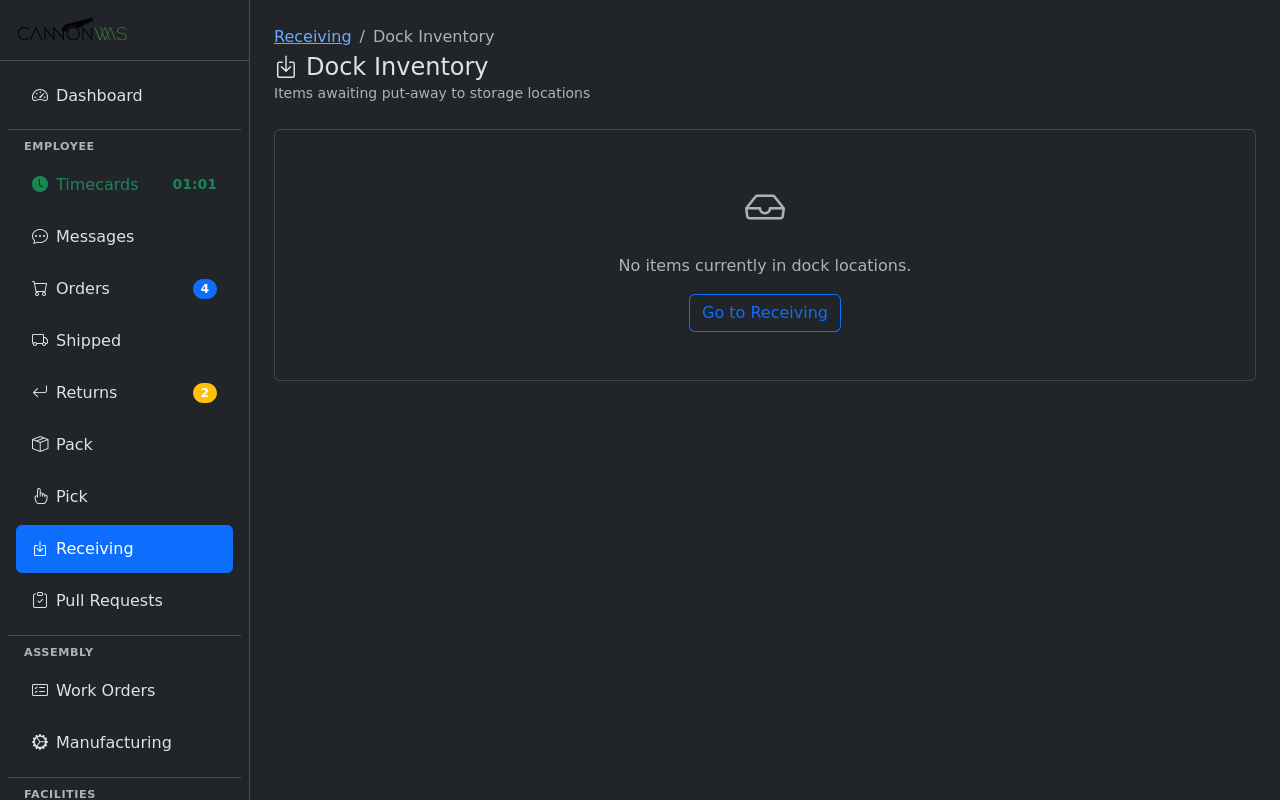
Received goods are placed into dock staging locations — temporary holding areas near the dock door. Each staging location has a capacity limit and visual status indicator. This intermediate step keeps the dock organized during high-volume receiving days and separates the fast task of unloading from the slower task of shelving.
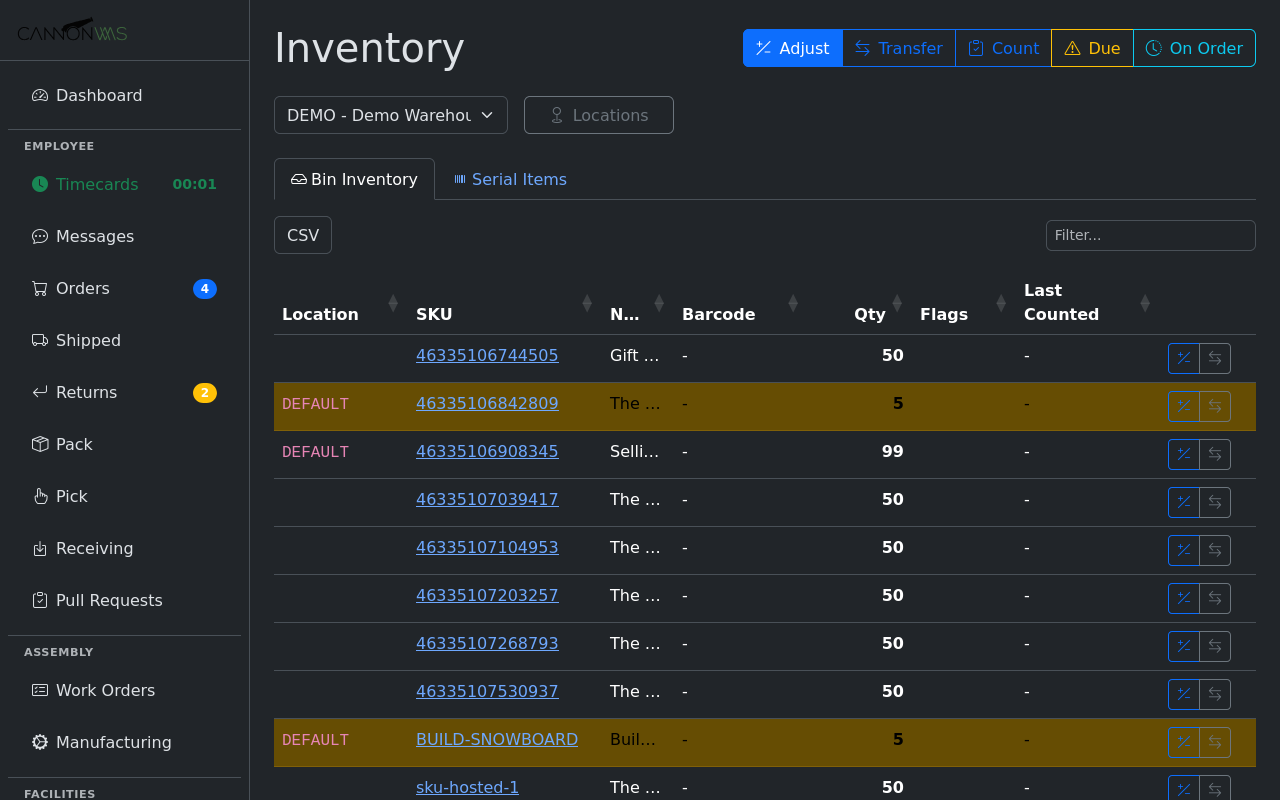
The put-away workflow generates directed tasks that tell warehouse staff exactly which staged items to move and which pick bin to place them in. The system suggests optimal bin locations based on product velocity, available capacity, and zone rules. Once confirmed, inventory updates in real time and the lot number follows the stock into its final location.
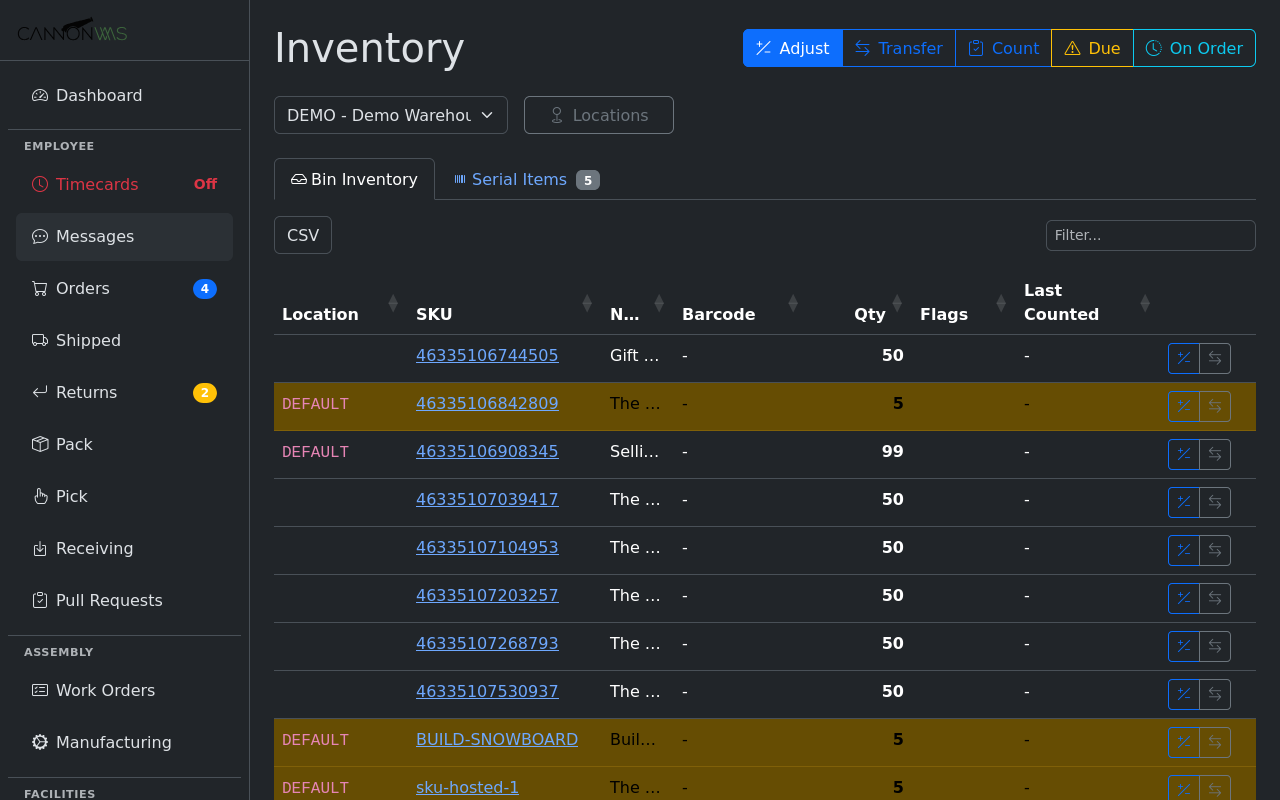
When orders are picked and shipped, the lot numbers travel with them. The order detail view shows which lot(s) fulfilled each line item. If a recall or quality issue arises, you can search by lot number to see every order that received product from that lot — instant traceability from supplier to customer doorstep.
Key Capabilities
- Lot number assignment on receive
- Dock staging locations
- Directed put-away workflow
- Lot-level traceability
- First-expired-first-out (FEFO)
- Lot-based cycle counts
Ready to add lot-level traceability?
Enable Lot Tracking & Dock Receiving in your CannonWMS dashboard today.
Learn More