Walkthrough
Quick Enable
Enable in your CannonWMS dashboard:
Settings → Features → Member Capabilities
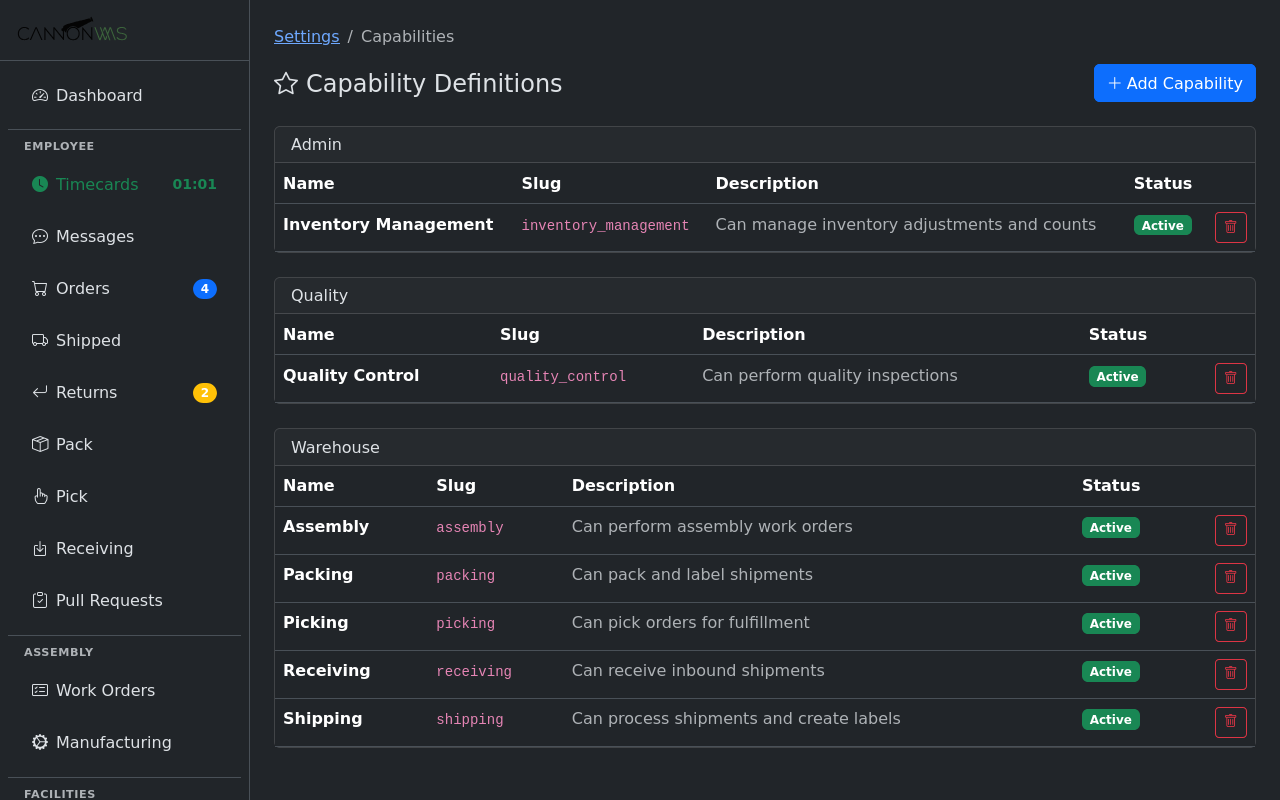
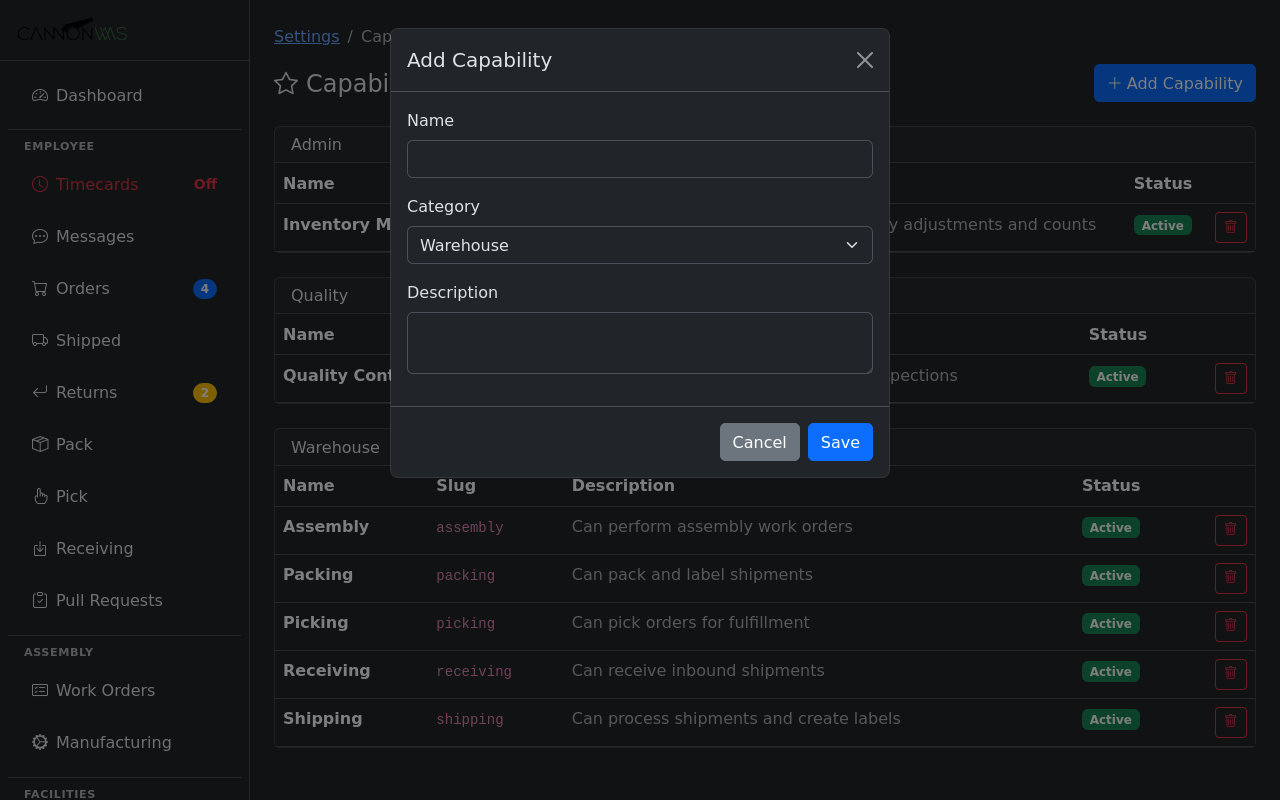
Create capability categories that reflect your warehouse operations: Forklift Certified, Hazmat Handling, Cold Storage Trained, QC Inspector, Returns Processing, and so on. Each capability can have an optional expiry date for certifications that need renewal. Group related capabilities into categories for easier management.
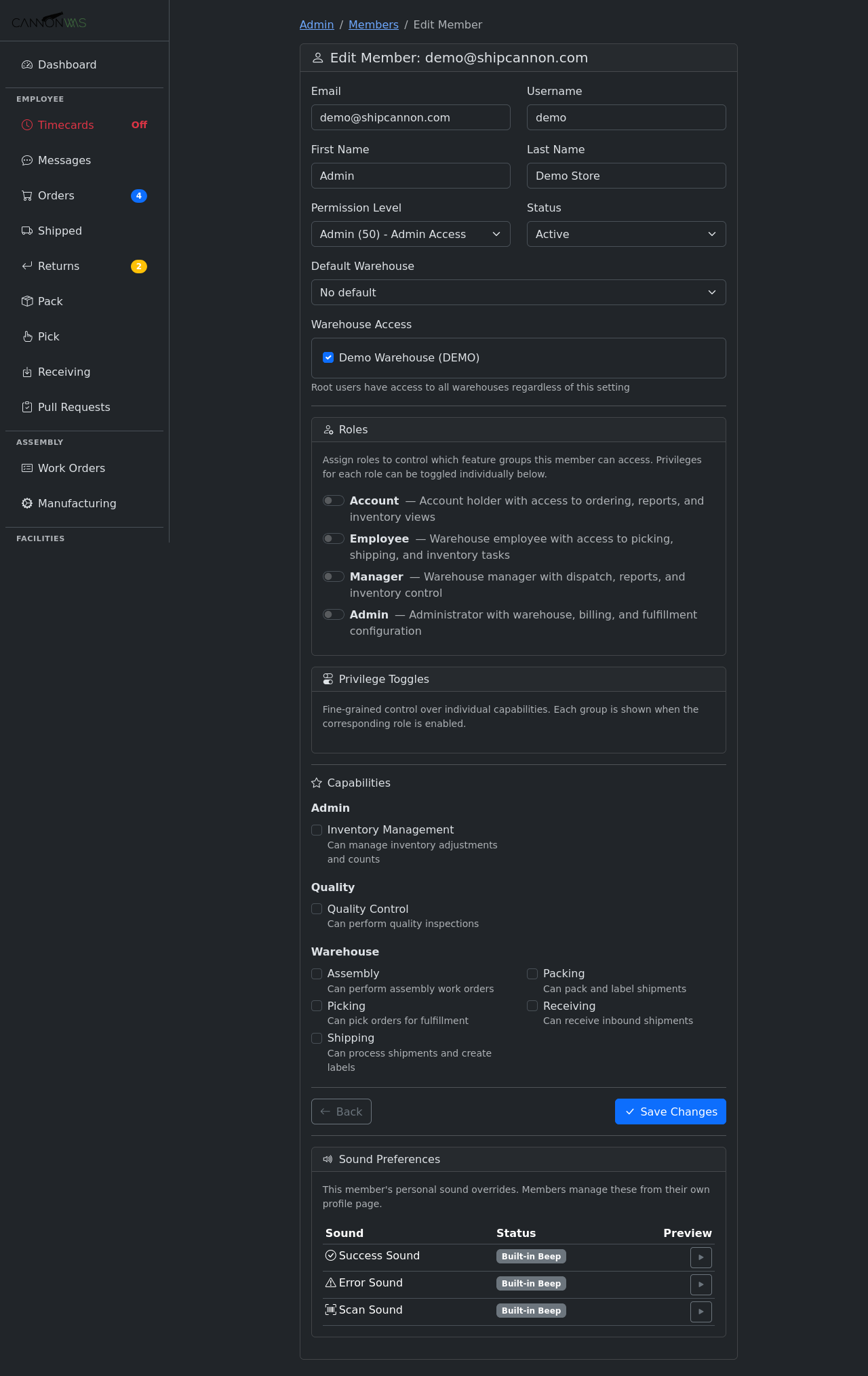
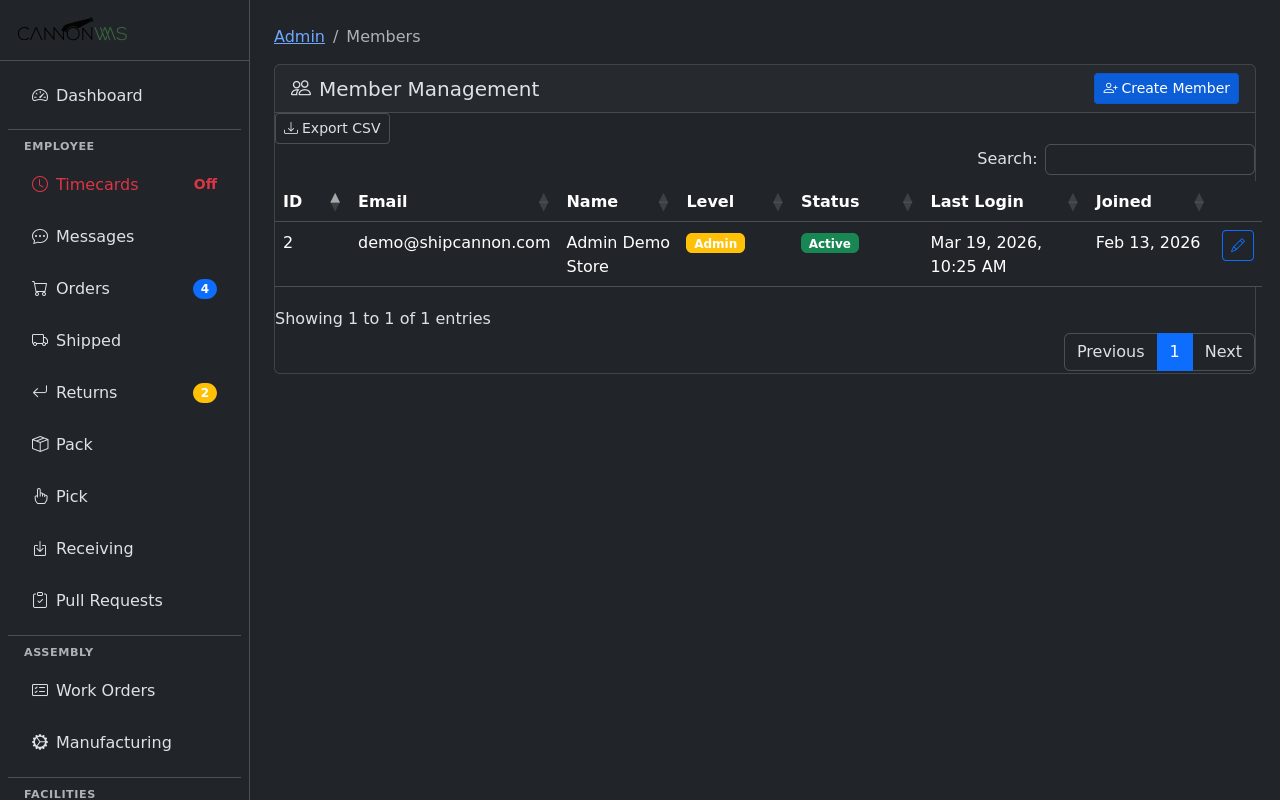
Assign capabilities to team members from their profile page. Each assignment records the date granted, the granting admin, and an optional expiry. When a certification expires, the member automatically loses that capability until it is renewed. Bulk assignment lets you tag an entire shift with a capability at once after a training session.
Gate specific warehouse operations by capability. For example, only members with Hazmat Handling can process orders containing hazardous materials. Only QC Inspectors can approve quality checks. The system enforces this at the task level — unqualified members simply do not see tasks they cannot perform, keeping the workflow clean and compliant.
Create rules that automatically assign work orders and tasks based on capabilities. When an assembly work order requires soldering, the system routes it to members with the Soldering capability. When a pick tour includes cold storage locations, it is assigned to Cold Storage Trained staff. Rules consider capability, current workload, and availability to distribute work fairly.
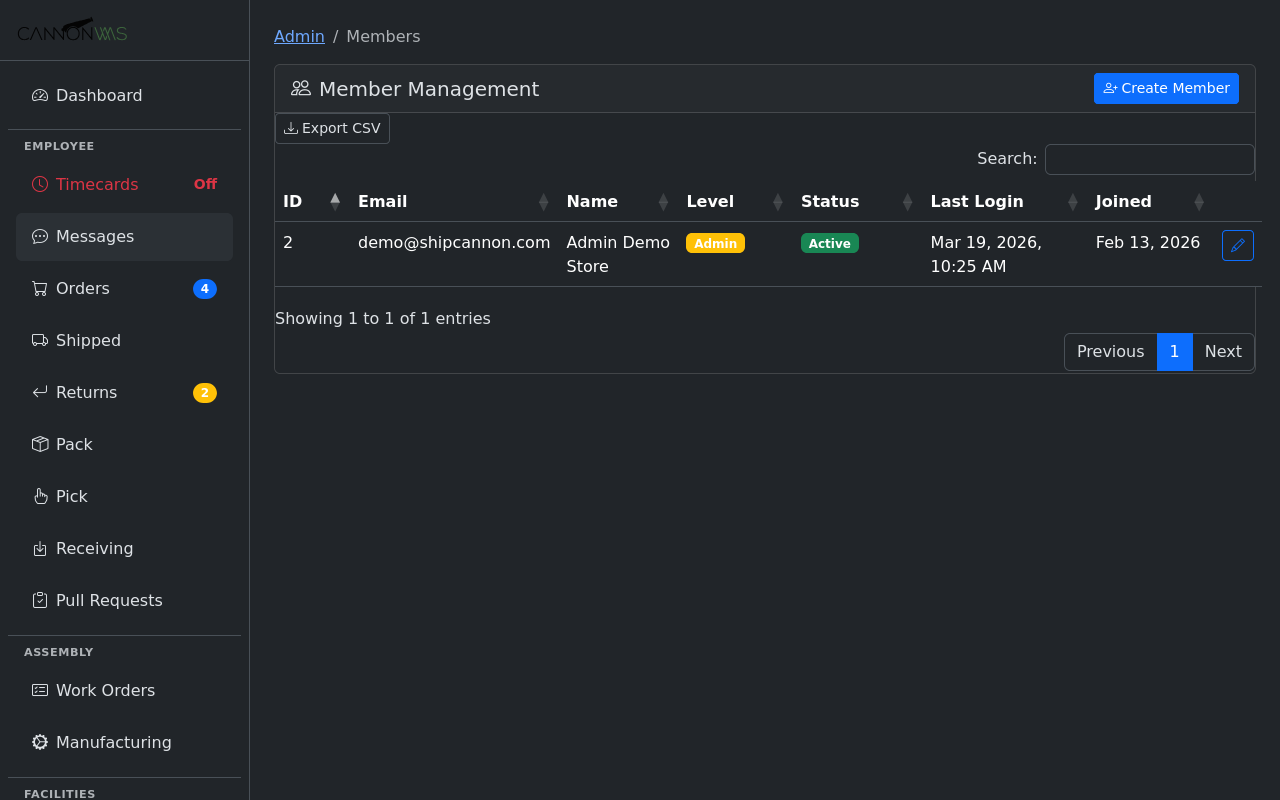
The workforce planning report shows capability coverage across your team. See at a glance how many members hold each capability, which certifications are expiring soon, and where you have single points of failure. Use this data to prioritize training investments and ensure you always have adequate coverage for critical operations like hazmat or forklift work.
Key Capabilities
- Define skill categories
- Assign capabilities to members
- Gate access by capability
- Auto-assign work orders
- Workforce planning reports
- Training gap analysis
Ready to optimize your workforce?
Enable Member Capabilities in your CannonWMS dashboard today.
Learn More