Walkthrough
Quick Enable
Enable in your CannonWMS dashboard:
Settings → Features → Team Messaging
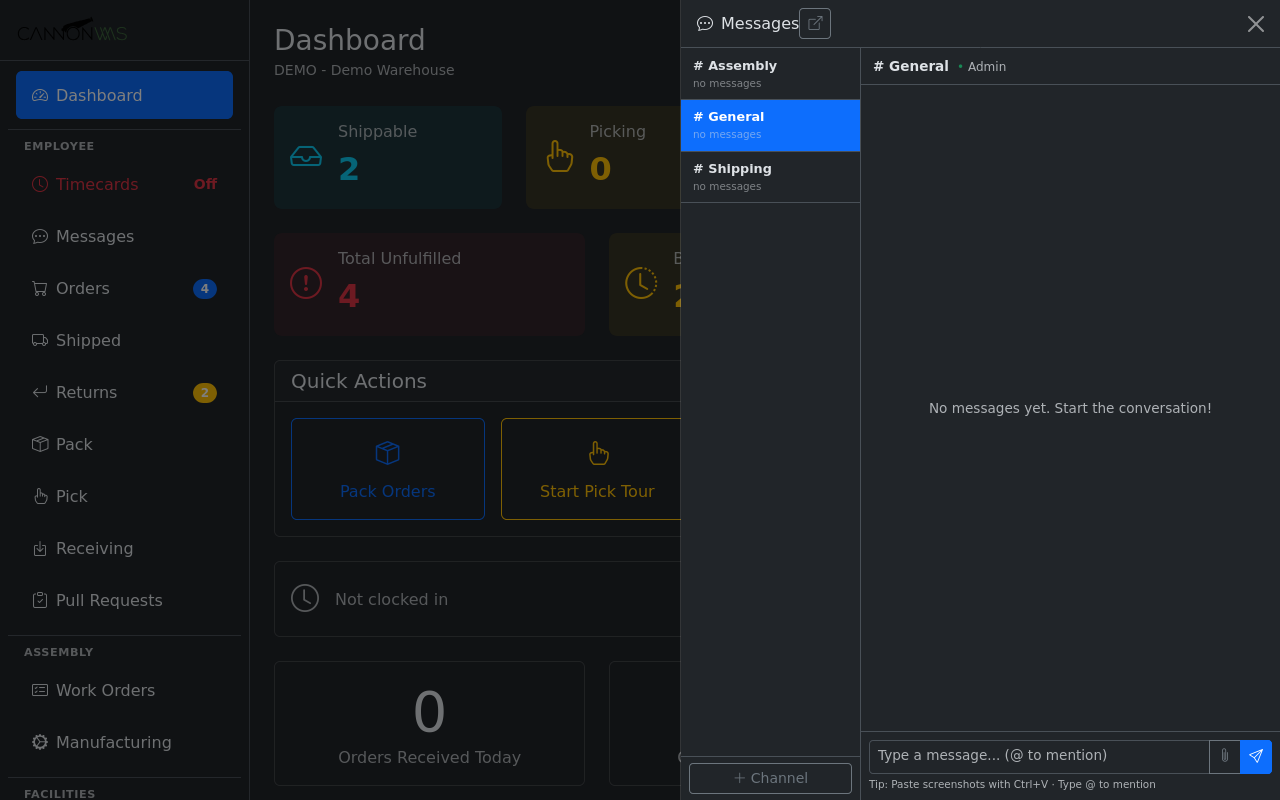
Click the chat icon to open the messages panel as a slide-out sidebar or full page view. The panel shows your channels on the left and the active conversation on the right. Unread channels are bolded with a count badge. The panel stays open as you navigate the WMS, so you can chat while picking, packing, or managing orders without losing context.
Create channels for different teams or topics: #shipping, #receiving, #quality, #management. Channels can be open (anyone can join) or private (invite-only). Direct messages between two people are also supported. Channel descriptions and pinned messages help new team members get oriented quickly.
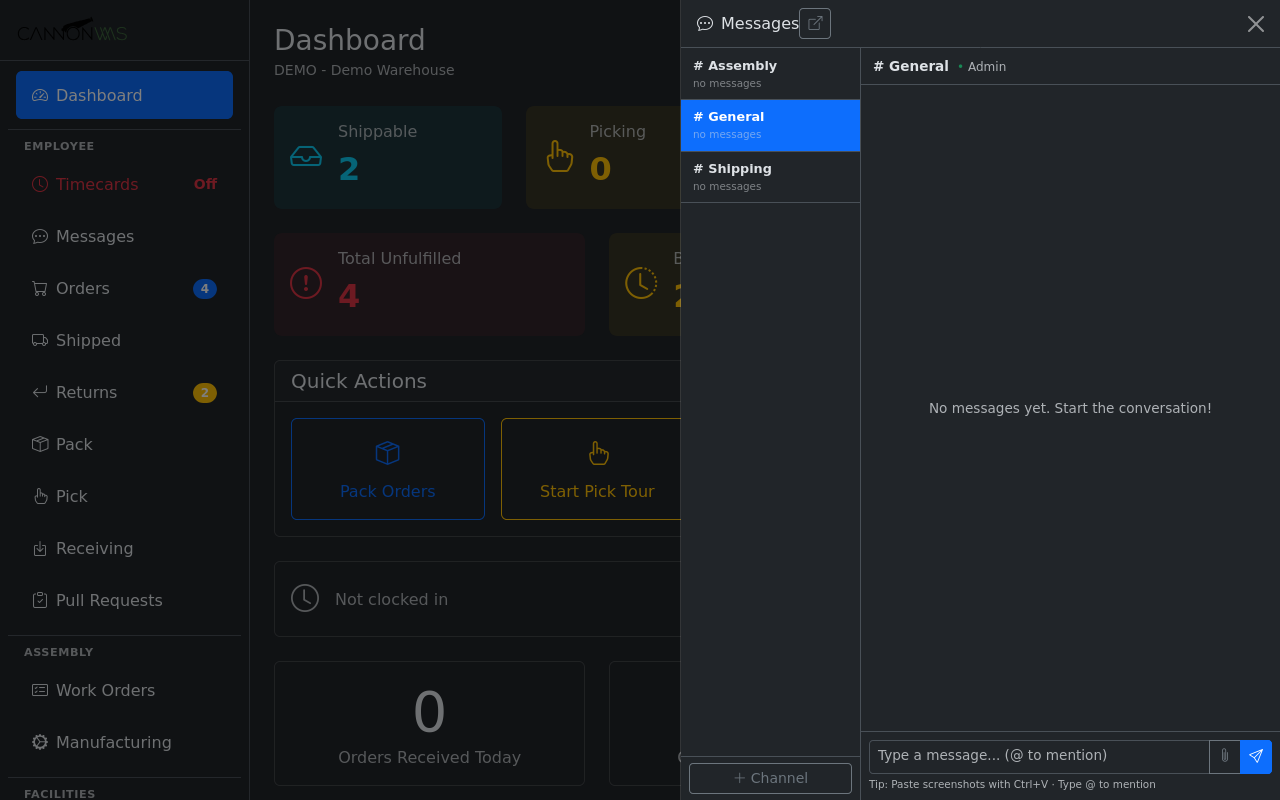
Send text messages, paste images directly from clipboard, or attach files like photos of damaged goods, packing slips, or spreadsheets. Use @mentions to notify specific team members. Messages support basic formatting, links, and inline image previews. All messages are searchable, so you can find that conversation about a problem order weeks later.
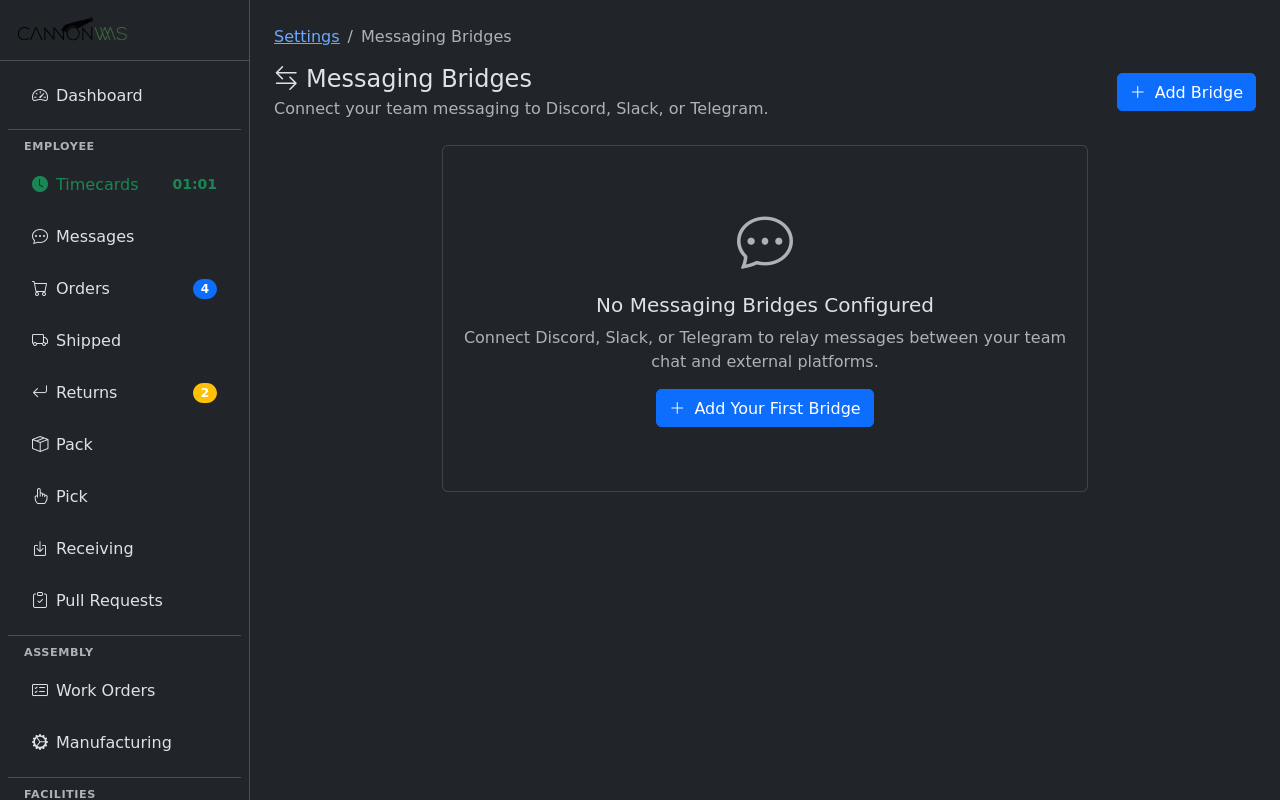
Bridge CannonWMS channels to your existing Discord, Slack, or Telegram channels. Messages flow both ways — a message sent in Discord appears in the WMS, and vice versa. This lets office staff stay in their preferred tool while warehouse floor workers use the WMS directly. Configure the bridge per-channel for fine-grained control.
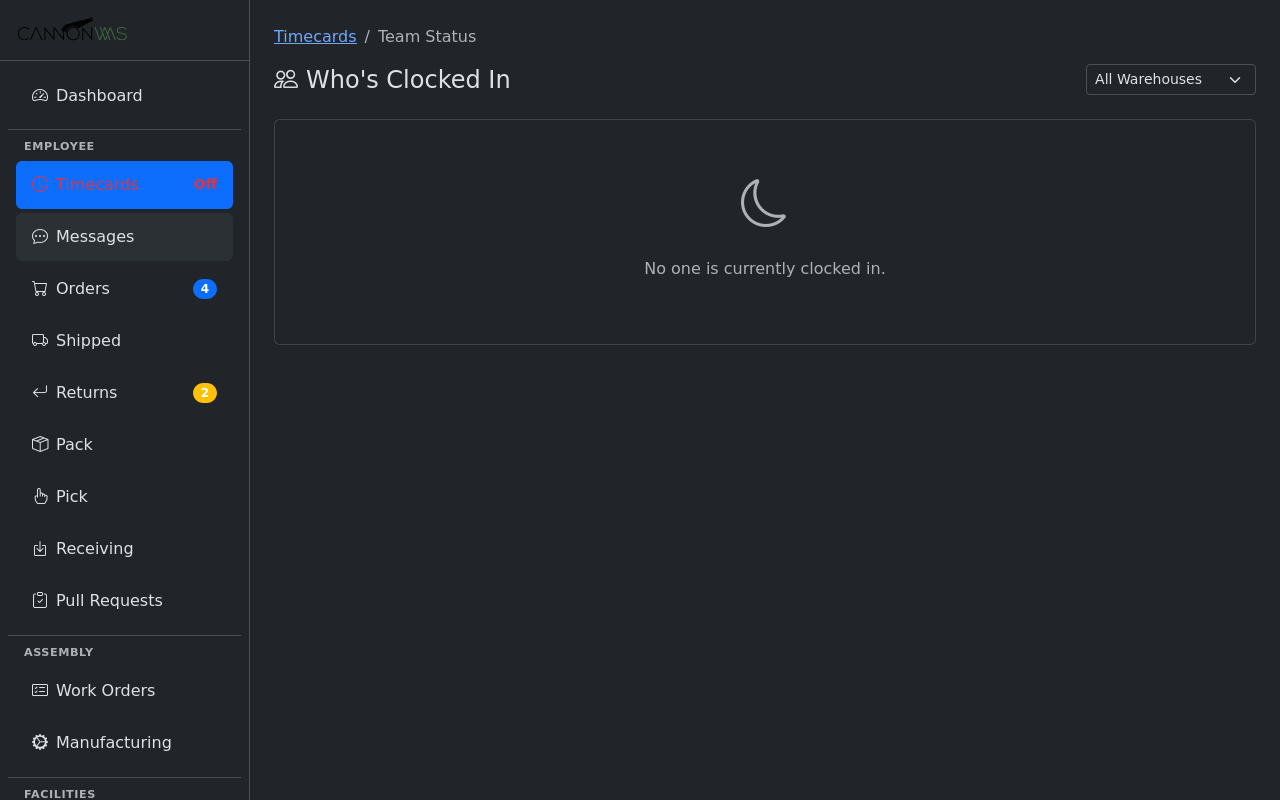
See who is online right now with presence indicators — green dots for active, yellow for idle, and gray for offline. The member list shows current status alongside names. Presence is especially valuable for warehouse managers coordinating across shifts, letting you know which team members are available before assigning urgent tasks.
Key Capabilities
- Slack-style channel chat
- File and image attachments
- Discord/Slack/Telegram bridge
- Online presence indicators
- @mentions and notifications
- Searchable message history
Ready to keep your team connected?
Enable Team Messaging in your CannonWMS dashboard today.
Learn More